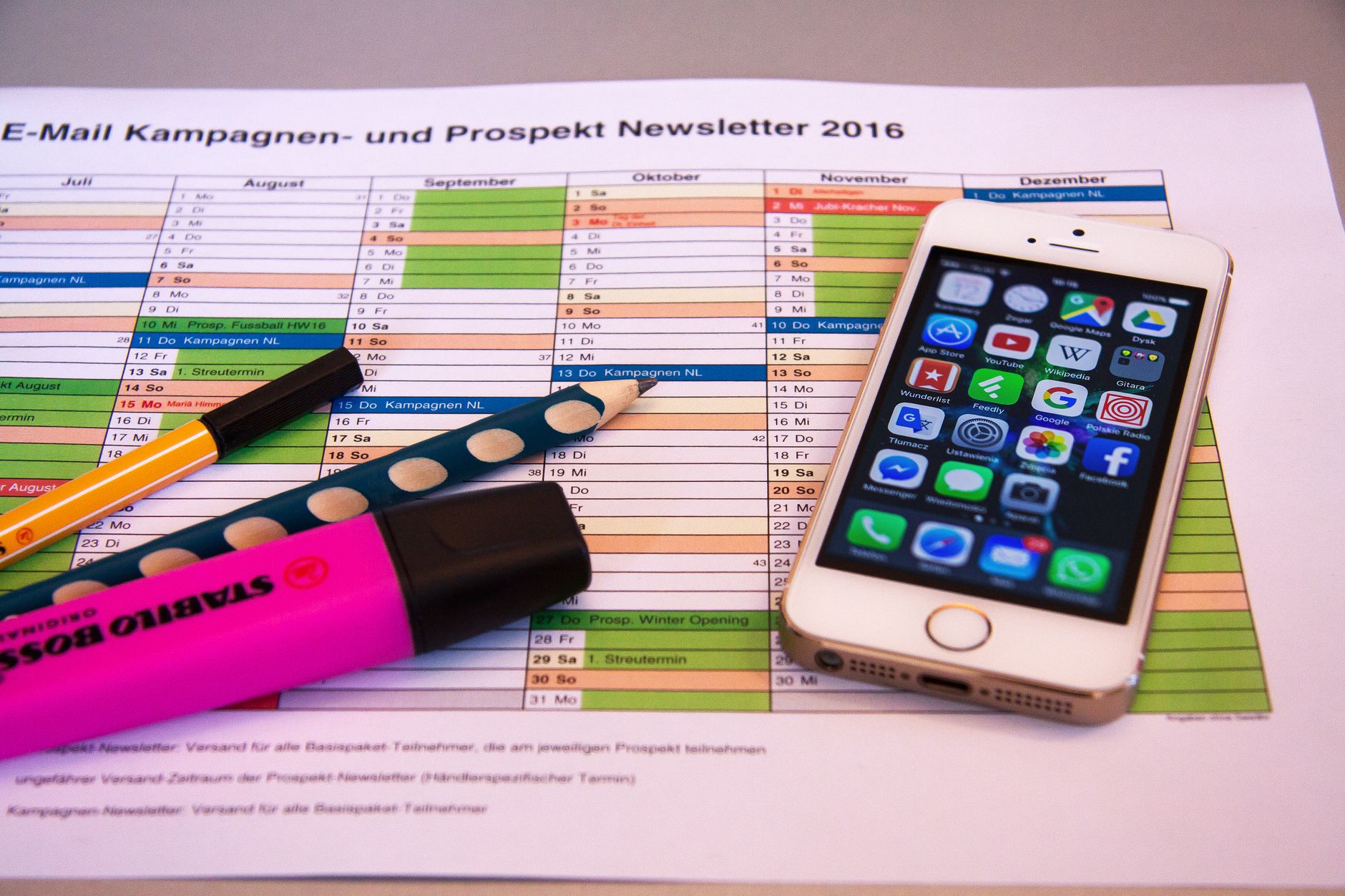
A shared calendar is not a shared load unless someone owns the follow-through.
At 7:40 a.m., the permission slip is still unsigned, the dentist reminder sits unanswered, and one partner is mentally rerouting the week. That invisible work includes tracking forms, appointments, groceries, medication refills, and the handoff that makes each task actually happen.
Resentment builds when one person becomes the default manager—especially when parenting responsibilities begin to strain a marriage. Visibility is only the first step. A useful planner assigns an owner, a due date, and a clear definition of done: not “book dentist,” but “appointment confirmed, childcare arranged, calendar updated.”
Match the bottleneck, not the feature list





Cozi: a shared home base for family logistics
01
Best for bringing calendars, lists, and reminders together.
Cozi works best when the household’s problem is fragmentation: appointments in one calendar, groceries in a text thread, recipes in a browser, and school reminders in someone’s head. Its shared calendar, lists, meal planning, recipes, and reminders give both adults one family-facing place to check before asking, “What’s happening tonight?”
It is designed for quick household coordination rather than project-style management. Assignments and recurring responsibilities can be captured, but couples needing granular dependencies, workload reporting, or formal approval flows will outgrow its simpler model.
- Combines calendar, meals, lists, recipes, and reminders
- Low-friction for children and caregivers to use
- Keeps everyday household context together
- Limited workflow detail and accountability controls
- Less suitable for complex projects or uneven workload analysis
Quick take A practical default when visibility is the immediate problem. It centralizes the household without turning family planning into a project-management system.
FamilyWall for families spread across people and places
Top choice for families wanting planning and messaging tools.
FamilyWall suits households where coordination extends beyond two adults: children, grandparents, sitters, carpools, and separate homes. It combines shared calendars and lists with messaging, location features, meal planning, and household budgeting, so the conversation can sit beside the plan rather than disappear into text threads. It is especially useful when caregivers need the same live picture without gaining access to every private device account.
- Brings schedules, messages, lists, and locations into one family space
- Works well for caregivers and carpool groups
- Adds meal and budget planning alongside logistics
- Notifications can become noisy without clear channel rules
- A useful setup requires members, permissions, and recurring routines to be configured
- More features can feel heavier than a calendar-only tool
Maple makes recurring household work assignable
Best for organizing responsibilities with customizable folders.
Maple suits couples whose friction starts after an event is added: someone still has to book the dentist, refill the prescription, or notice the laundry detergent is low. Shared tasks can be arranged in customizable folders, giving each repeating responsibility a named owner, deadline, recurrence, and a plainly agreed finish line. Pair it with a weekly check-in that rebalances the mental load when ownership needs to change.
- Custom folders can mirror how a household actually runs
- Shared tasks make responsibility visible beyond calendar events
- Combines tasks with plans, lists, and notes
- Flexible setup requires couples to define their own conventions
- Less ideal for households wanting a rigid prebuilt workflow
TimeTree keeps dense family schedules legible
A focused choice for sharing schedules and event details.
TimeTree is strongest when the household’s real problem is where everyone must be, and when. A shared calendar can hold shift changes, school events, medical appointments and pickup windows in one view; event comments keep handoff details—such as gate numbers, medication notes or a late-running train—attached to the appointment instead of buried in chat. Reminders help surface time-sensitive changes before they become missed pickups.
It is not a substitute for a task system. “Book the dentist,” “pack swim kit,” and “submit the form” need an owner, due date and completion check elsewhere.
Best for appointment-heavy households with overlapping calendars and frequent handoffs. It reduces scheduling collisions elegantly, but recurring chores and multi-step responsibilities still need a dedicated shared task practice.
Any.do for fast, accountable task handoffs
A straightforward option for coordinating everyday tasks.
Any.do suits couples who need to turn a spoken request into a named task quickly. Shared lists, recurring chores, and calendar-aware planning keep errands visible without creating a complex household system. Voice capture records requests in the moment; assignment makes them actionable.
- Shared lists keep errands together
- Recurring tasks carry a named owner
- Calendar links add schedule context
- Routine setup needs consistent naming
- Completed tasks can hide unequal planning work
Build the shared system in one short session
-
Add only fixed commitments
Enter work shifts, school dates, appointments, pickup windows, and deadlines. Ignore aspirational projects until the essentials are reliable.
-
Name one accountable owner
An owner notices the task, prepares for it, completes it, and updates the plan—not merely receives a reminder.
-
Automate recurring work
Set repeats for bins, prescriptions, bills, meal planning, and childcare forms. Add a due date early enough to allow handoffs.
-
Run a 15-minute weekly reset
Review the next seven days, rebalance uneven assignments, and resolve collisions. Repeated tension around a partner who is not helping with children needs a direct conversation, not more notifications.
If one partner persistently avoids agreed work, hides spending, or reacts with contempt or fear, the problem is relational—not organizational. Pause the optimization project and seek appropriate relationship or professional support; shared tools should not become evidence in an argument.
Move beyond the shared checklist
For wives facing separation, shutdown, or constant conflict, Mend The Marriage offers a self-guided program built around actions one spouse can take alone.
Break the Conflict Behind the Logistics
When household coordination feeds constant conflict or distance, Mend The Marriage offers a self-guided approach for rebuilding connection—even when one partner is disengaged.